
Action After Block: Turn Shopify Quantity Limits into Sales & Leads
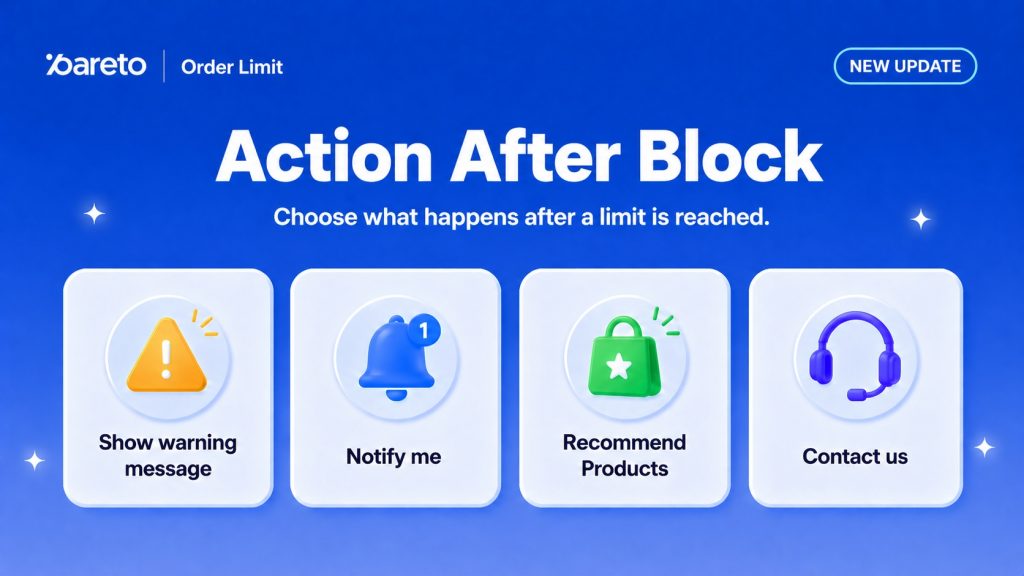
As an E-commerce merchant, there is nothing more painful than seeing a high-intent shopper hit a purchase limit and simply… disappear.
Up until now, a purchase limit was often a dead end. A warning message appeared, the “Add to Cart” button stayed gray, and the customer bounced. But at Pareto, we believe a limit shouldn’t be the end of the customer journey; it should be the start of a new opportunity.
That’s why we are thrilled to announce Action After Block: a powerful new suite of tools designed to turn checkout friction into future revenue.
The Problem: The “Warning Message” Leak
Previously, when a shopper hit a limit, they saw a warning and… that was it.
- High-intent shoppers disappeared.
- Wholesale leads went cold.
- Demand for restocks went uncaptured.
The Solution from Pareto: 4 New Ways to Keep the Sale Alive
With Action After Block, you can now guide your customers toward alternative solutions the second they hit a limit.
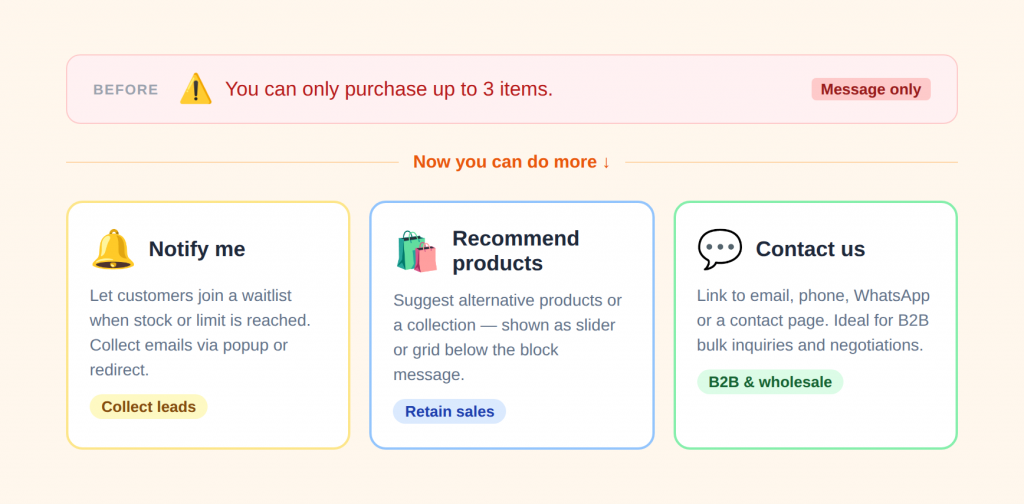
1️⃣ Show message only (Default settings)
Pareto only shows the warning message you set up in the Message settings tab.
Best for: straightforward purchase limits and policy reminders.
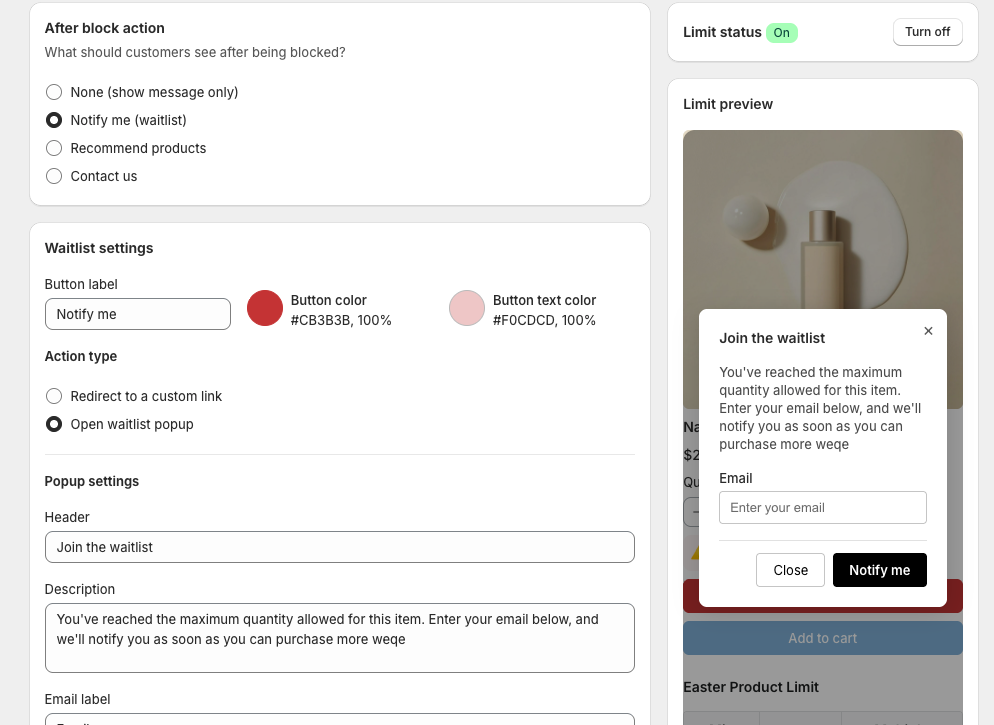
2️⃣ Notify me (Waitlist)
Let interested customers join a waitlist when items are unavailable or when limits are reached, so you can collect leads and demand for restocks or future launches.
Feel free to customize the button style, send shoppers to a signup page, or open a waitlist pop-up directly on the product page.
Great for:
- Limited-edition drops
- High-demand products
- Restock campaigns
3️⃣ Recommend Products
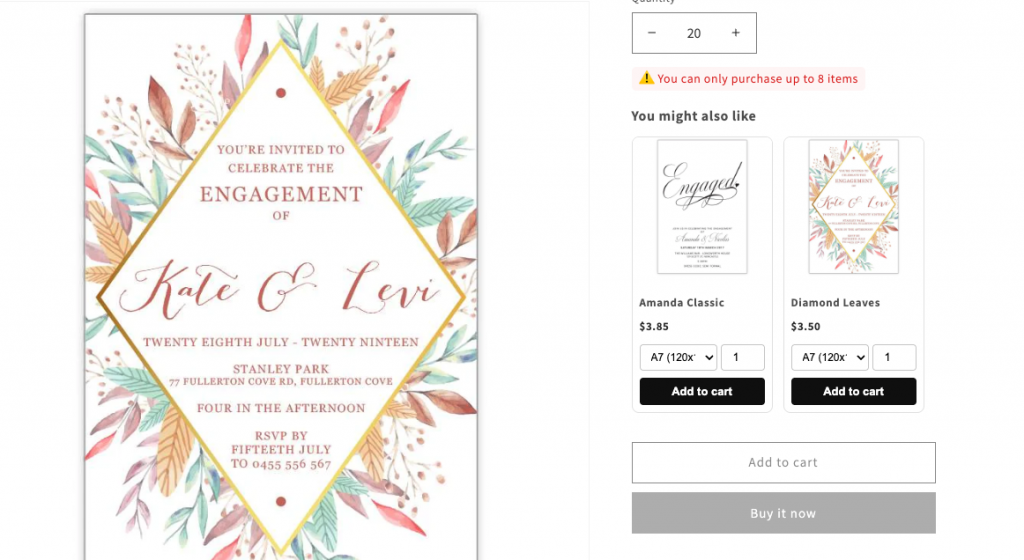
Instead of losing the sale, suggest similar or alternative items that customers may want.
If a customer can’t buy 50 units of Product A, maybe they’d like Product B instead. Use Recommend Products to display a curated collection.
- Layout Options: Choose between a sleek Slider or a clean Grid.
- Smart Display: Toggle variant selectors and “Compare-at” prices directly in the recommendation block to encourage an immediate pivot to a new item.
4️⃣ Contact Us
If a customer wants to buy more than your limit allows, negotiate or inquire about bulk pricing, you can give customers a direct way to reach you by email, phone, or WhatsApp.
- Direct Channels: Use the
{contact_link}placeholder to let customers start a WhatsApp chat, trigger a Phone Call, or send a pre-filled Email. - B2B Growth: Turn a rigid limit into a personal inquiry for a large custom order.
Ready to Optimize Your Limits?
Setting up Action After Block takes less than two minutes and can significantly improve your store’s retention rate.
Pro Tip: If you run a wholesale store, try the “Contact Us” action on your highest-margin items to capture big-ticket leads that would otherwise bounce.
👉 See the step-by-step setup guide here
Thank you for growing with Pareto Order Limit. We’re excited to see how you turn these “blocked moments” into better customer experiences!
👉 Try Action After Block
Turn blocked orders into new opportunities.
Try Pareto on Shopify